Is the Forminta small business invoice generator free?
Yes. You can create, preview and download an individual invoice with Forminta’s free generator.
Small business billing
Create professional invoices for your customers online. Add your business details, products or services, review the total and download your invoice as a PDF.
For owners and small teams invoicing customers for products, services, project work or recurring work.
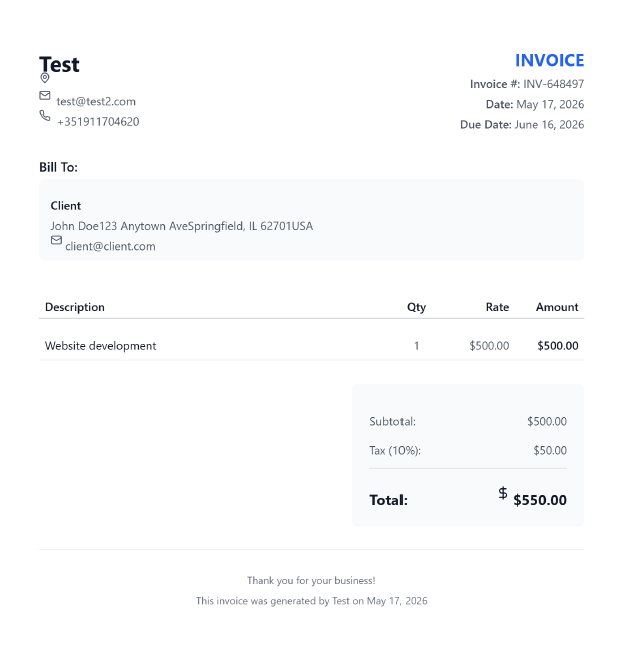
Clean and professional design with traditional layout
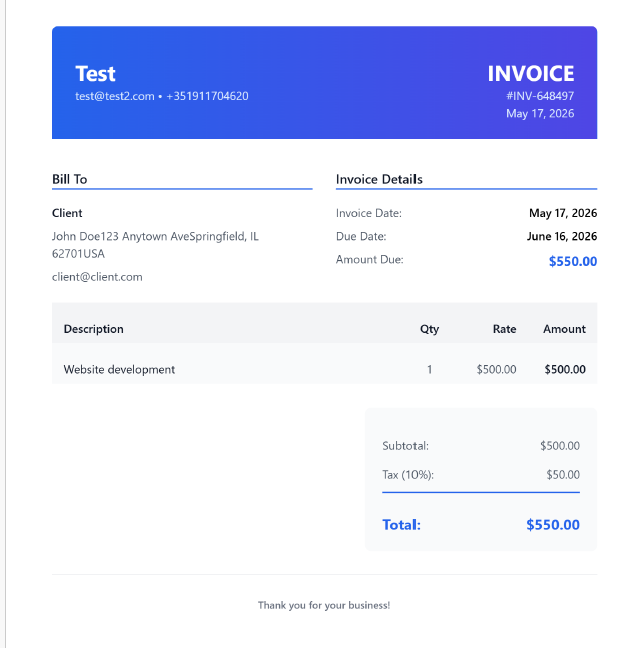
Contemporary design with gradient header and clean lines
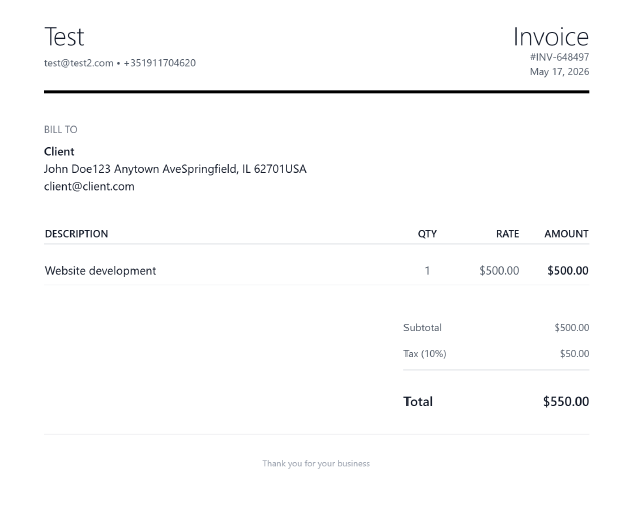
Simple and elegant with minimal visual elements
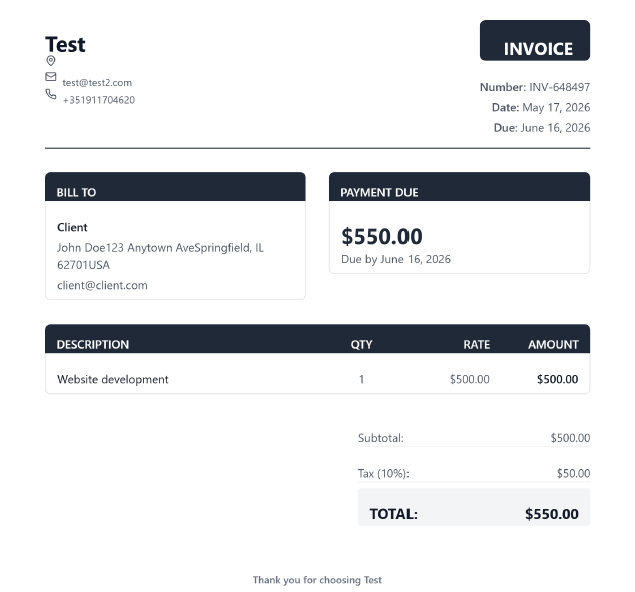
Corporate style with structured sections and formal appearance
Selected: Classic
A consistent process helps you send an accurate invoice while the details of the sale or completed work are still clear.
Enter the business name, contact information, address, website and logo you want customers to see.
Include the person or company receiving the invoice and the contact details needed for their records.
Describe each product, service, project charge or monthly service as a separate line item.
Add the quantity or hours and the unit price or rate. Forminta calculates each amount and the subtotal.
Check the invoice number, invoice and due dates, tax, total, and any payment terms entered in the notes.
Choose a professional template, preview the completed invoice and download it as a PDF.
A useful invoice identifies both parties, explains what was supplied and makes the amount and payment deadline easy to understand. Clear details can also make record keeping and customer questions simpler.
Invoice and tax requirements vary by country and business situation, so check the rules that apply to your business.
Small businesses often need one invoice format that works across different types of sales. A service business might bill a consulting session, cleaning service, website maintenance or installation work. A product-based business can enter the product quantity and unit price. Businesses that do both can place goods and services on separate line items in the same invoice.
Specific descriptions help customers match the invoice to what they received. For ongoing work, identify the relevant period for monthly support or maintenance. For project charges, name the completed stage or setup work. Each line item can carry its own quantity and rate, making mixed invoices easier to review.
Payment terms state when the customer is expected to pay. Due on Receipt requests payment when the invoice arrives, while Net 7, Net 15, Net 30 and Net 60 indicate the number of calendar days after the invoice date. Choose terms that match your customer agreement and use them consistently.
Learn more about common invoice termsUse a consistent invoice-number sequence, confirm customer details before sending, and keep the same payment terms where appropriate. Recording when invoices are sent, paid or overdue gives you a clearer view of expected cash flow. Maintaining invoice history also makes it easier to answer customer questions and review earlier work.
Read the guide to tracking paid and unpaid invoicesThe free generator is useful when you need to create an individual PDF invoice quickly. For ongoing invoicing, Forminta Pro adds saved clients, saved products and services, invoice history, recurring invoices, payment-status tracking, and dashboard reporting. These tools can reduce repeated data entry and keep customer billing records together as your workload grows.
Yes. You can create, preview and download an individual invoice with Forminta’s free generator.
No. The free generator lets you create and download an invoice without signing up.
Yes. Choose a template and preview your completed invoice, then use the download option to save it as a PDF.
Include your business and customer details, an invoice number and date, a due date, itemized products or services, quantities and rates, tax where applicable, the total and payment terms.
Yes. Line items can describe products, services or a combination of both, with a quantity and rate for each item.
Use the terms agreed with your customer. Due on Receipt, Net 7, Net 15, Net 30 and Net 60 are common options; the right choice depends on your agreement and cash-flow needs.
Use a unique, consistent sequence that makes invoices easy to identify in your records. Avoid reusing the same invoice number for different transactions.
Yes. Recurring invoices are available in the Pro workflow for repeat billing; the free generator creates individual invoices.
Freelancer invoices
Create freelancer invoices online with Forminta. Add hourly work, project fees, taxes, payment terms, and download a professional PDF invoice.
Fast PDF invoicing
Create a professional PDF invoice online with no signup required. Add client details, services, tax, notes, and preview it in Forminta.
Consultant template
Create a consultant invoice with service line items, workshop fees, retainers, expenses, payment terms, and a professional PDF template.