Stop Wrestling Word Docs: How to Send a Clean Invoice in Minutes
Stop juggling Word docs and spreadsheets. Learn what a good invoice needs, make a free PDF in minutes, and get paid on time.
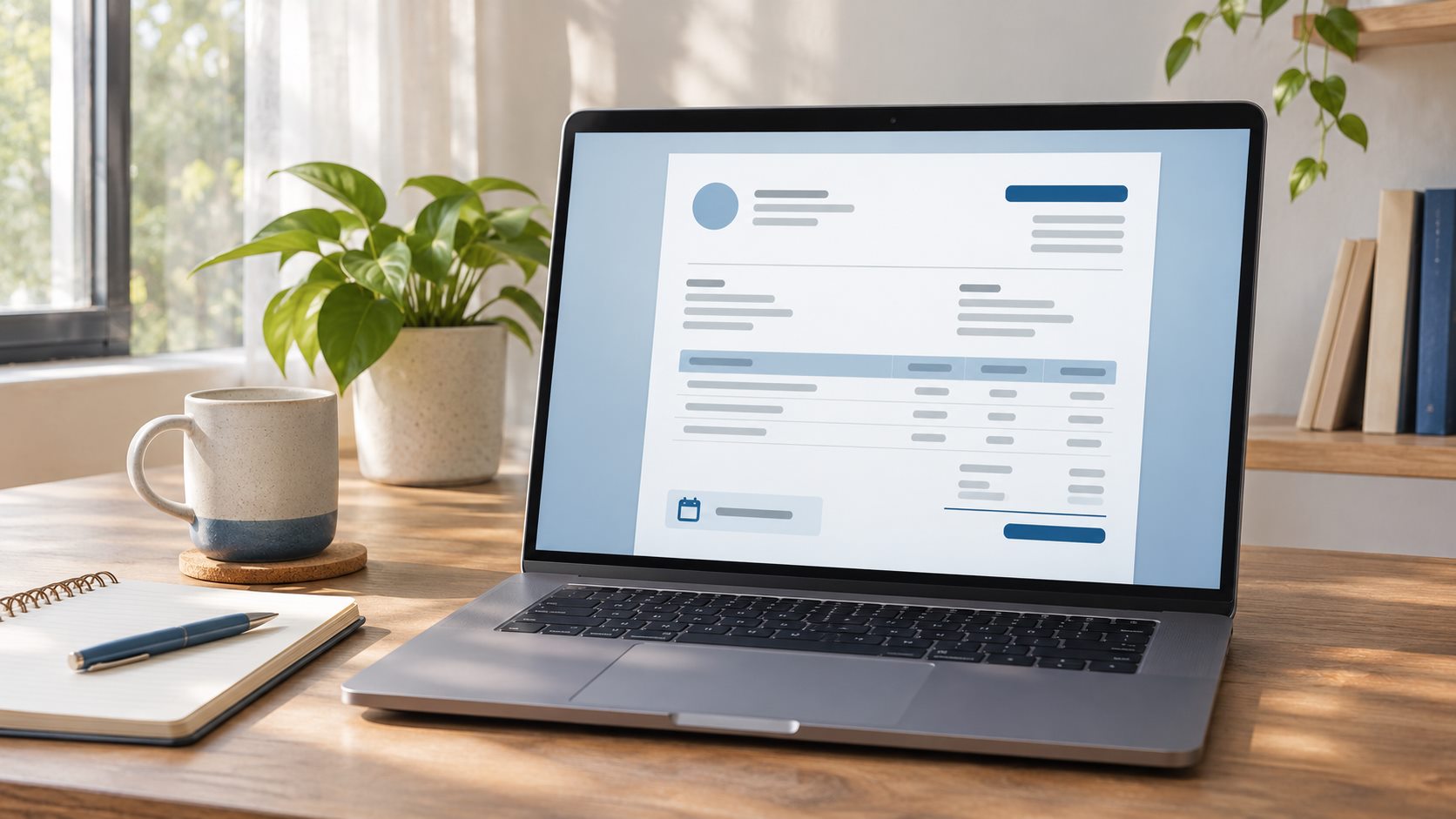
You know the drill. You finish the project, open a Word doc, copy your details in, then realize the template from last time has your old client's name on it. Sooooo, you start a spreadsheet. Three versions later, you still can't remember which one is the real invoice.
Then comes the hardest part: the follow-up email. "Hi! Just checking in on invoice #7 🙂" You hate writing it, and your client probably hates reading it.
Good news. An invoice doesn't need to be complicated.
What an invoice actually needs
Skip the fancy stuff. A good invoice has:
- Your details: name or studio name, and how to reach you
- Your client's details: who you're billing
- Line items: what you did and what it cost
- A due date: so everyone knows when payment is expected
- The total: the number that matters most
That's the whole list. If your invoice has those five things and looks clean, you're in great shape.
Make one in a few minutes
Forminta's free invoice generator gives you a professional PDF with no signup. Fill in the details, download the PDF, and send it off. No account, no login, no hunting for the right template.
It's a quick fix for one-off jobs, a side project, or that client who only needs a bill every few months.
When a PDF isn't enough
Sending a nice invoice is the easy part. The real headache starts when you're trying to keep track of it all: who has paid, who's late, and when you should follow up.
That's where Forminta Pro comes in. It lets you:
- Send invoices by email from one place
- Track invoice status as draft, sent, paid, or overdue
- Save clients, products, and invoice history so repeat billing takes less setup
Forminta does not automatically collect payments or send overdue payment reminders. You stay in control of payment status and follow-up, with your billing records organized in one place. See Forminta Pro.
Tips for getting paid on time
- Put the due date at the top. Don't make your client hunt for it.
- Send the invoice as soon as the work is done. The sooner it lands, the sooner it can get paid.
- Make payment terms obvious. "Due in 14 days" beats "payment soon" every time.
- Keep your invoices consistent. Same layout, same details, same format. It looks professional and makes your records easier to check.
Try it on your next invoice
Your next bill doesn't need a Word doc or a spreadsheet. Create your free invoice in a few minutes, and see how much smoother the whole thing feels.