Is the Forminta invoice generator free?
Yes. You can use Forminta's invoice generator to create, preview and download an invoice for free.
Create a professional invoice online, add your client and line items, and download it as a PDF.
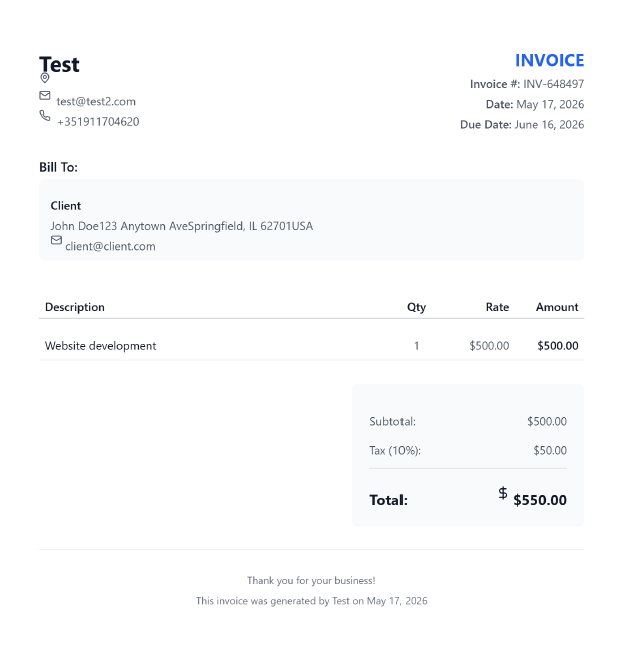
Clean and professional design with traditional layout
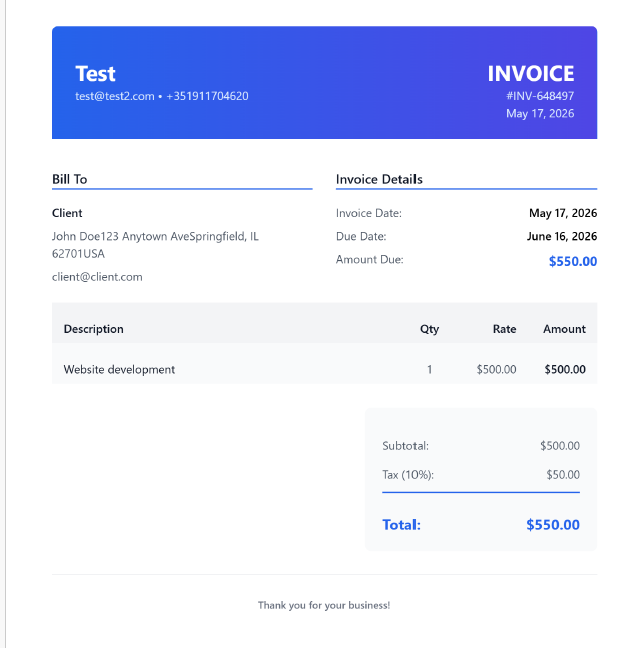
Contemporary design with gradient header and clean lines
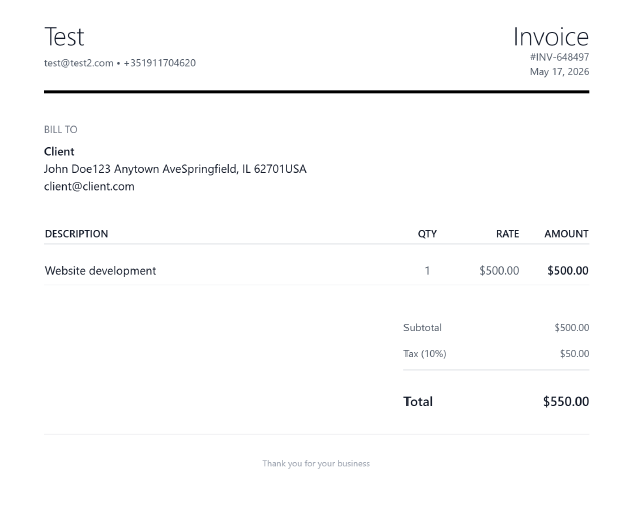
Simple and elegant with minimal visual elements
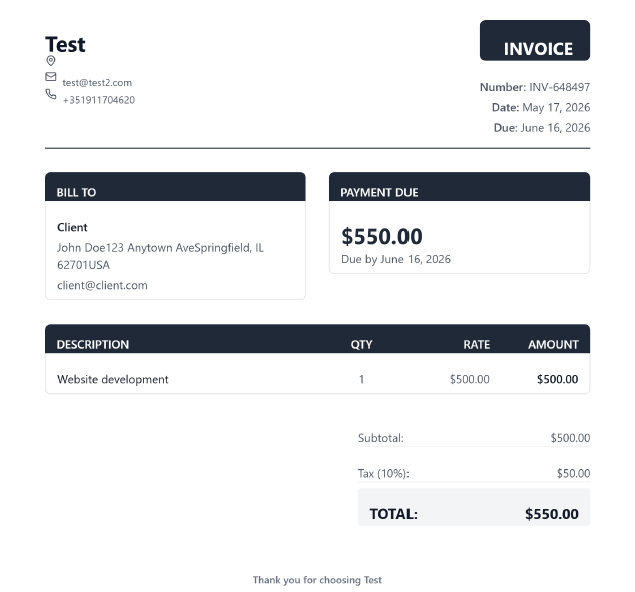
Corporate style with structured sections and formal appearance
Selected: Classic
Forminta's free invoice generator helps freelancers, consultants and small businesses create professional invoices without starting from a blank document. Add your business information, enter your client's details, describe the products or services provided, review the totals and download the finished invoice as a PDF.
A clear invoice helps your client understand what they are paying for, when payment is expected and how the total was calculated. Forminta keeps those essential details together in a structured invoice you can preview before downloading.
Enter the company or professional name, contact details, address, website and logo you want your client to see.
Enter the name and contact information for the customer or company receiving the invoice.
Describe each line item, then enter its quantity and rate. Forminta calculates each amount and the subtotal.
Check the details, line-item amounts, subtotal, tax and total before you continue.
Review the invoice number, invoice date and due date, then add any useful payment terms or instructions in the notes.
Choose a template, preview the finished invoice and download it as a PDF.
An invoice should make the transaction easy to identify and understand. Include enough information for your client to recognize the work, confirm the amount and arrange payment.
Invoice and tax requirements vary by country and business situation, so check the rules that apply to you.
Payment terms tell your client when payment is expected. Common terms include Due on Receipt, Net 7, Net 15, Net 30 and Net 60.
Forminta is designed for people and teams that need to turn completed work into a clear, professional invoice. Explore guidance tailored to the way you work.
Bill hourly work, project fees and other independent services.
Create clear invoices for customers without starting from a blank document.
Describe advisory work, workshops, retainers and project deliverables.
Itemize design projects, revisions and creative services.
Organize labor, materials, milestones and other project charges.
Yes. You can use Forminta's invoice generator to create, preview and download an invoice for free.
No. You can create and download an invoice with the free generator without signing up for an account.
Yes. After entering your invoice details, select a template and preview the invoice, then use the download option to save it as a PDF.
Include your business and client details, a unique invoice number and date, the products or services provided, quantities and prices, the total amount due, a due date and any relevant payment terms.
Net 30 generally means payment is due thirty calendar days after the invoice date, according to the agreed payment terms.
Yes. Freelancers can create invoices for hourly work, fixed-price projects and other services. See the invoice generator guide for freelancers for more practical tips.