Keep a useful invoice history
Save invoice records with client details, due dates, and statuses. Review draft, sent, paid, and overdue invoices when planning your next follow-up.
Your billing workspace
Create the invoice, keep the record, and pick up where you left off next time. Forminta Pro brings clients, services, branding, email delivery, and recurring schedules into one account.
Registration required for Pro. No credit card needed to start the trial.
Save invoice records with client details, due dates, and statuses. Review draft, sent, paid, and overdue invoices when planning your next follow-up.
Save clients and the products or services you bill repeatedly. Select them when preparing another invoice instead of retyping names, addresses, descriptions, and rates.
Apply saved brand settings, send invoice PDFs by email, and schedule recurring invoices for predictable ongoing work.
Track paid, pending, and overdue invoice records with Forminta Pro. Keep client details, due dates, invoice history, and status updates in one workspace.
Explore this workflowManage regular freelance billing with saved clients, reusable services, branded PDFs, invoice emails, status records, and recurring schedules in Forminta Pro.
Explore this workflowCreate consistently branded invoices with Forminta Pro. Save your logo, position, colors, font, and footer settings for future invoice PDFs.
Explore this workflowSave client billing details and reuse them on invoices with Forminta Pro. Keep customer records and regular billing in one account.
Explore this workflowEmail an invoice PDF from Forminta Pro. Select a saved invoice, confirm the client recipient, edit your subject and message, and send the attachment.
Explore this workflowGenerate repeat invoices on a schedule, with optional invoice-detail email delivery.
Explore this workflowHow it works
Create an account to start the 7-day trial. Your saved invoices and client records belong to your signed-in workspace.
Add clients, save common products or services, and configure your invoice logo, colors, font, and footer.
Select the client, check line items and due dates, then download the PDF or email it from Forminta.
Update invoice statuses as payments arrive and review your records before contacting a client or creating the next bill.
Save a name, description, and price for the work or items you invoice regularly. Reusable invoice items help keep the wording and starting rates consistent; review the quantity and final charges for each job. The catalog is designed for preparing invoices, rather than managing stock.
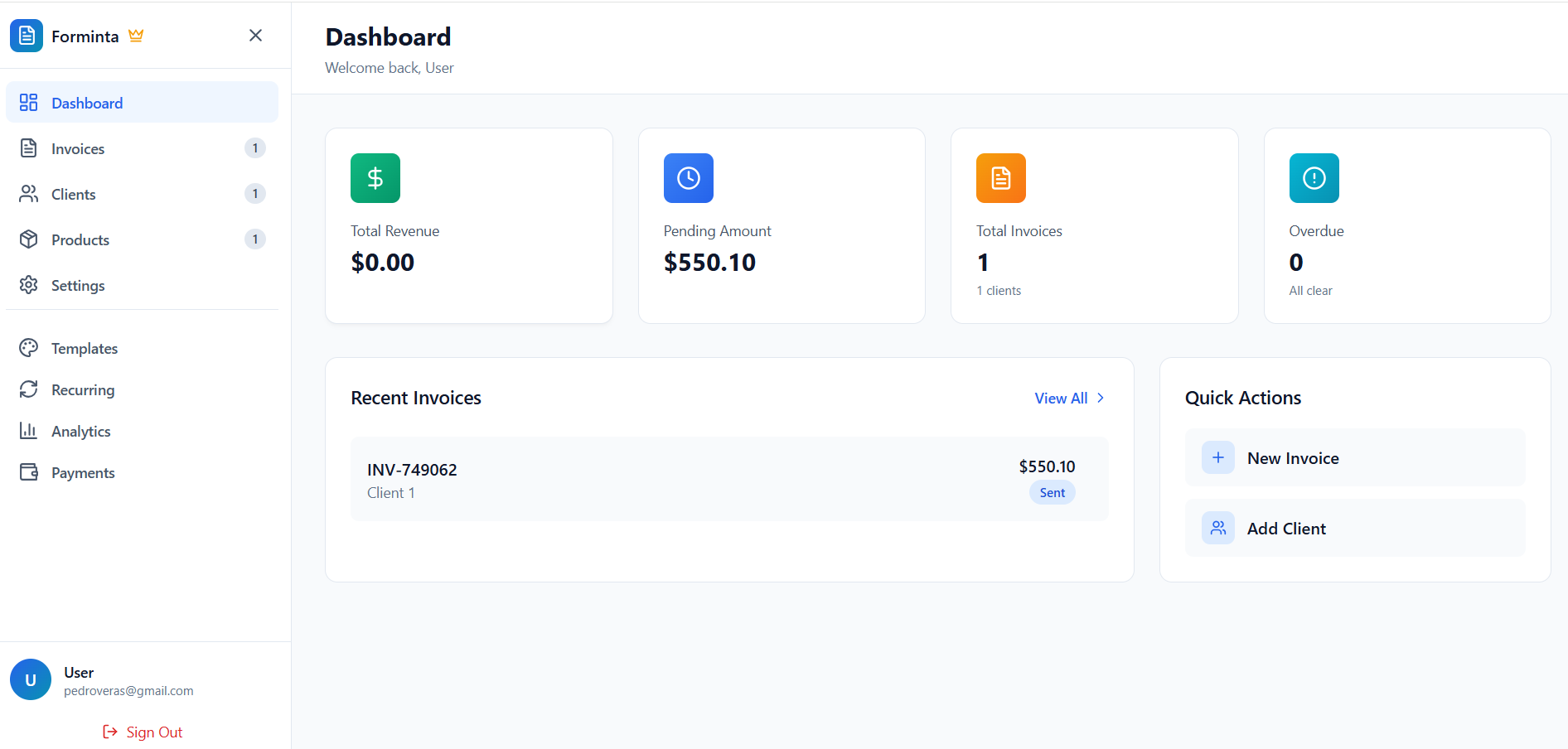
Dashboard and analytics views summarize the invoices you have saved and marked by status. Use them to review recorded amounts and client activity, then open the invoice when you need its details. Keep statuses accurate as payments arrive; Forminta does not reconcile your bank transactions.
Pro stores your invoice, client, product, and branding records in your account. Continue your billing workflow from another device by signing in. For an occasional invoice, the free generator remains available without registration.
Pro adds saved invoice records, client and product/service records, branding settings, invoice status management, direct PDF email delivery, recurring invoices, and invoice summaries. The free generator is for creating and downloading an individual invoice without signing up.
Yes. Register to start the 7-day Pro trial. No credit card is required to start the trial. The free invoice generator can be used without registration.
No. Forminta does not process client payments, provide payment links, or send automatic payment reminders. Recurring schedules can generate invoices and optionally email their details; payment-status records are maintained by you.
Register for a 7-day Pro trial, with no credit card required. Compare the plans when you are ready to choose how you want to invoice.
Only need one PDF? Create a free invoice without signup.